
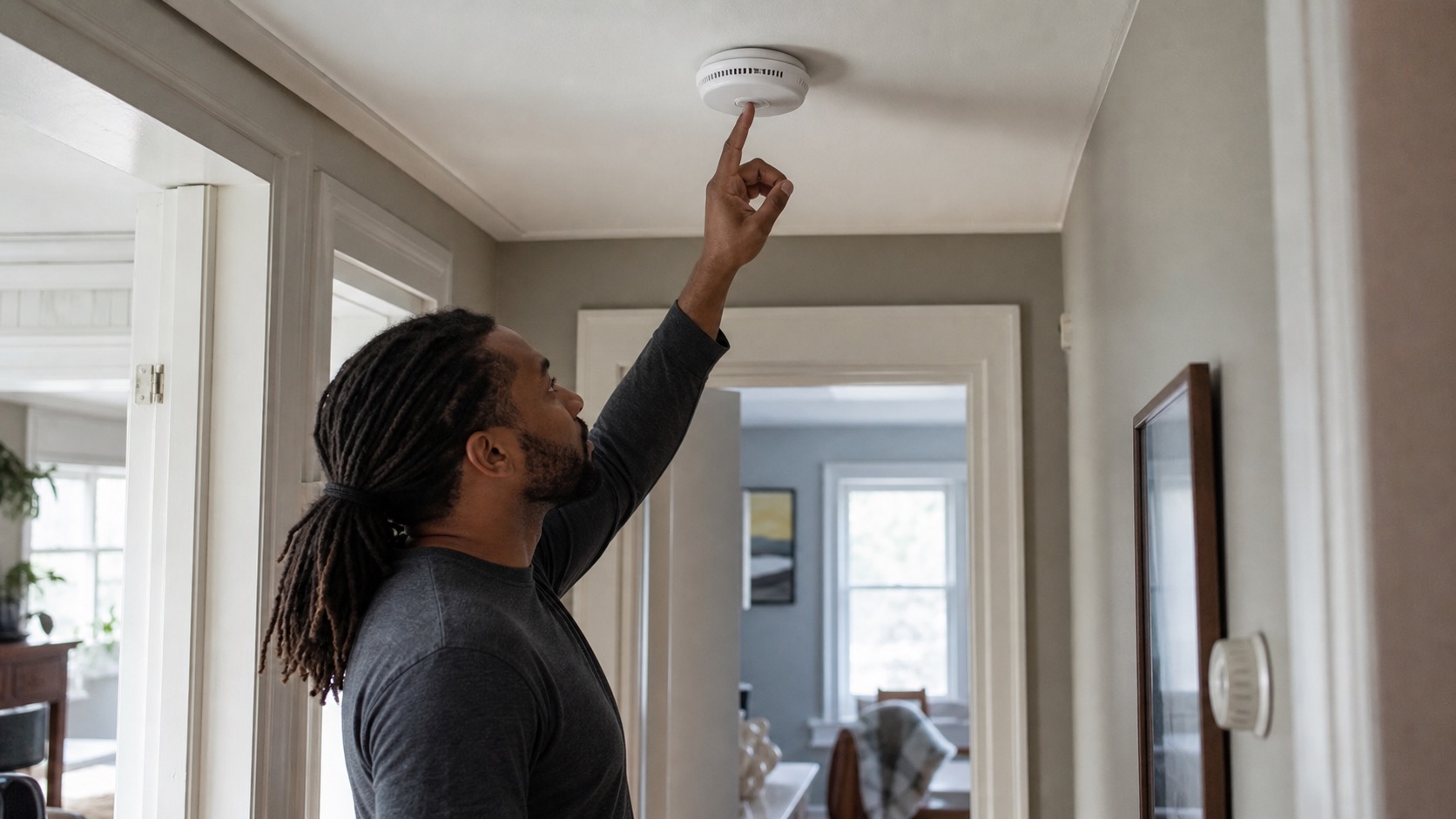
A smoke alarm can make several different sounds, and the first step is knowing which one you are hearing. A periodic maintenance chirp is not the same as a smoke alarm signal. Many common U.S. alarms use repeating groups of three loud beeps for smoke or fire, while an occasional chirp usually means the device needs attention. Exact maintenance chirp codes vary by brand and model.
Learn the sounds of the alarm in your Richmond rental while everything is normal. Monthly testing helps confirm that the alarm works and lets you hear its test signal before you ever need to recognize it during an emergency.
- Learn what the alarm sounds mean
- If the alarm sounds and you do not know why
- If cooking or steam set it off
- Chirps, testing and battery maintenance
- Smart and professionally monitored alarms
Learn what your smoke alarm is telling you
Alarm sounds are designed to communicate different conditions. The patterns below are a useful starting point, but the specific alarm in your home controls. Check the visible brand or model information, manufacturer instructions or an authorized app for exact device-specific signals.
| What you hear or see | What it commonly means | What to do |
|---|---|---|
| Repeating groups of 3 loud beeps | Common smoke or fire alarm pattern on many residential alarms | If the cause is unknown or there is any sign of fire, use the emergency section below. If you can clearly identify ordinary cooking smoke or shower steam as the immediate trigger, use the nuisance-smoke section. |
| An isolated chirp or short chirp pattern repeated periodically | Usually a maintenance, low-battery, fault, or end-of-life signal | Check the specific alarm's indicators or instructions. Use the maintenance section below. |
| A loud sequence immediately after you intentionally press TEST | The alarm's test sequence | Expected during a planned test. Listen so you learn the alarm's emergency sound. |
| Voice or app message | Smart alarms may identify smoke, fire, low battery, replacement, test, or another status in words | Follow an explicit smoke or fire warning as an alarm event. Follow low-battery, replacement, or device-status messages through the maintenance path. |
This short Texas Department of Insurance and State Fire Marshal demonstration lets you hear the common three-beep smoke pattern, four-beep carbon monoxide pattern, and a maintenance chirp:
Some systems use voice announcements, different trouble codes, or proprietary monitored-system sounds. If you genuinely cannot tell whether a sound is a maintenance chirp or an emergency alarm signal, use the safer emergency path.
If the smoke alarm sounds and you do not know why
If the alarm is giving its smoke or fire signal and you do not have a clear harmless explanation, leave the home immediately and call 911 from outside. The same applies if you see flames, see smoke from an unknown source, smell unexplained burning, or are uncertain whether the situation is safe.
- Get everyone outside.
- Call 911 from a safe location.
- Stay outside until emergency responders say it is safe to return.
- Contact PMI James River after everyone is safe.
Do not remove a battery, disable the alarm, silence it through an app, or remain inside troubleshooting an unexplained active alarm.
For PMI James River's broader emergency guidance, including what counts as an emergency and what to do after the immediate life-safety steps, use our rental emergency quick-reference.
If cooking or steam set off the smoke alarm
Smoke alarms can activate from ordinary cooking smoke or heavy shower steam. If you can clearly identify that immediate source and there is no visible fire, no smoke from an unknown source, and no unexplained burning odor, you can use the alarm's nuisance-silencing features instead of disabling it.
- Stop the cooking source if you can do so immediately and safely, or move away from the steam source.
- Keep the smoke alarm installed and powered.
- Press the alarm's manufacturer-supported Hush or Silence button if it has one.
- Use normal ventilation, such as the range hood, bathroom exhaust, or an accessible door or window, when safe.
Do not remove the battery for a known cooking or steam alarm. If the alarm continues after the obvious nuisance condition clears, you cannot identify the trigger, or anything about the situation seems unsafe, leave the home and follow the emergency path above.
This Kidde demonstration covers testing, exterior cleaning, battery maintenance, and how to handle nuisance alarms without disabling smoke detection:
Chirps, testing, and battery maintenance
Virginia law requires residents to maintain landlord-installed smoke alarms and prohibits removing working batteries so the alarm becomes inoperative. For PMI James River residents, routine maintenance includes monthly testing and replacing a depleted battery when the alarm has a normal user-replaceable battery.
The Richmond Fire Department recommends testing smoke alarms monthly, replacing batteries as needed, and gently vacuuming the alarm to reduce dust buildup.
If your alarm is part of a professionally monitored system, read the smart-alarm section below before running a planned test. A monitored system may require a test procedure so the routine test does not create a monitoring response.
Battery-only, hardwired, and sealed alarms are different
Not every smoke alarm is serviced the same way.
- Battery-only alarms run on batteries alone. Some have a front or side battery drawer. Others may need to be twisted off the bracket to reach a rear battery compartment.
- Hardwired alarms with battery backup are connected to the home's electrical system but still have a backup battery. Some hardwired models have an easy-access battery drawer. Others require you to twist the alarm off the mounting plate and temporarily unplug the manufacturer-designed quick-connect harness before you can reach the battery.
- Sealed 10-year alarms do not have a normal user-replaceable battery. If they chirp for replacement or end of life, the unit usually needs service or replacement rather than a new battery.
That is why you should look at the specific device before assuming what kind of battery service it needs.
If the alarm is giving a low-battery chirp
If the device clearly indicates a low battery and has a normal user-replaceable battery, replace the battery with the type specified for that alarm and press TEST afterward.
Depending on the model, normal battery maintenance may include opening a front battery door, twisting the alarm off its mounting plate, releasing a manufacturer-designed tamper tab or pin, or temporarily unplugging and reconnecting the alarm's quick-connect harness. That can be ordinary user maintenance when the manufacturer's instructions say to do it.
Stop before accessing field wiring, removing wire nuts, opening an electrical box, altering interconnect wiring, bypassing a safety feature, or doing electrical repair. Also stop if reaching the alarm would require unsafe climbing or overreaching.
Kidde's battery guidance explains this difference clearly for rear-loading alarms, including hardwired models that require disconnecting and reconnecting the quick-connect harness as part of normal battery replacement. You can review that guidance here: How Do I Replace My Smoke Alarm's Battery?
This First Alert and BRK battery-replacement demonstration is also useful for understanding common user battery-service steps on supported alarms:
If the alarm has a sealed long-life battery
Do not open the alarm or attempt to replace a sealed or nonreplaceable long-life battery. If a sealed alarm chirps, announces that it needs replacement, reaches end of life, or fails its test, submit a maintenance request.
If the chirp means something else
Low-battery, malfunction, and end-of-life chirp patterns vary by model. Use the visible brand or model information or an authorized app to check the manufacturer's instructions. Do not remove a hardwired alarm merely to find a hidden label or start taking apart electrical components.
If the chirping continues after correct battery maintenance, or the alarm is missing, visibly obstructed, painted over, damaged, or fails its test, submit a maintenance request.
Smart and professionally monitored smoke alarms
If your rental has a supplied smart or professionally monitored alarm system, familiarize yourself with it while everything is normal. One detector can cause other alarms to sound, activate a base station or indoor siren, make voice announcements, send app notifications, or contact a monitoring service.
Know the visible brand or platform, which app or panel is associated with it, whether professional monitoring is active, what other devices may sound, and how the manufacturer says to perform a planned test. A real smoke alarm still takes priority over the app. If an emergency alarm begins unexpectedly, leave first.
Google Nest Protect
Google's Nest Protect Safety Checkup tests the sensors, power, Wi-Fi, speaker, horn, and light ring. Google specifically recommends it as a way to become familiar with the alarm's sounds and lights.
First Alert SC5
The First Alert SC5 is a smart combination smoke and CO alarm. A planned test identifies the smoke portion, plays the smoke horn pattern, then identifies and plays the CO horn pattern. It can also be tested through the First Alert app.
Use First Alert's SC5 support information for current device and app guidance.
Kidde Smart alarms
Supported Kidde connected alarms can report device status and support app-based testing. Use Kidde Smart Product Support for your particular device.
ADT monitored alarms
ADT systems can create several alerts from one detector event. Depending on the equipment, the detector, ADT Base or Indoor Siren, other paired devices, and the ADT+ app may all alert, and a professionally monitored system may also send the event to ADT monitoring.
For a planned routine test, ADT instructs authorized users of professionally monitored systems to place the system in Test Mode first. Test Mode pauses monitoring response during the planned test, but it does not necessarily keep the local sirens from sounding.
Use Test Mode only when there is no emergency and you already have authorized ADT account access. Never put a system into Test Mode because a real smoke alarm has started.
If the supplied smart alarm is not in your account
If a supplied alarm appears assigned to another account, requests an administrator or owner credential you do not have, or requires a factory reset, ownership transfer, or removal and re-addition before you can access it, do not erase or claim the device configuration.
Submit the setup problem through your Rentvine resident portal and include the alarm brand, a clear photo, and the app or panel message you see.
If the problem continues
If reasonable resident troubleshooting does not resolve the chirping or nuisance-alarm problem, the issue returns, the alarm fails a test, a supplied smart feature remains unavailable, or you cannot proceed safely, submit a maintenance request through your Rentvine resident portal.
Include the alarm's location, the sound pattern you heard, whether there was an obvious cooking or steam trigger, a clear photo of the device, any visible or app message, whether the alarm appears battery-only, hardwired, or sealed, and what happened when you tested it or replaced a normal user-replaceable battery.
If the device is giving a carbon monoxide signal, use our carbon monoxide alarm guide. If you smell natural gas, follow our gas smell safety guidance.
For other household issues, use the PMI James River resident troubleshooting library or the broader Resident Maintenance hub.
Published: August 31, 2026